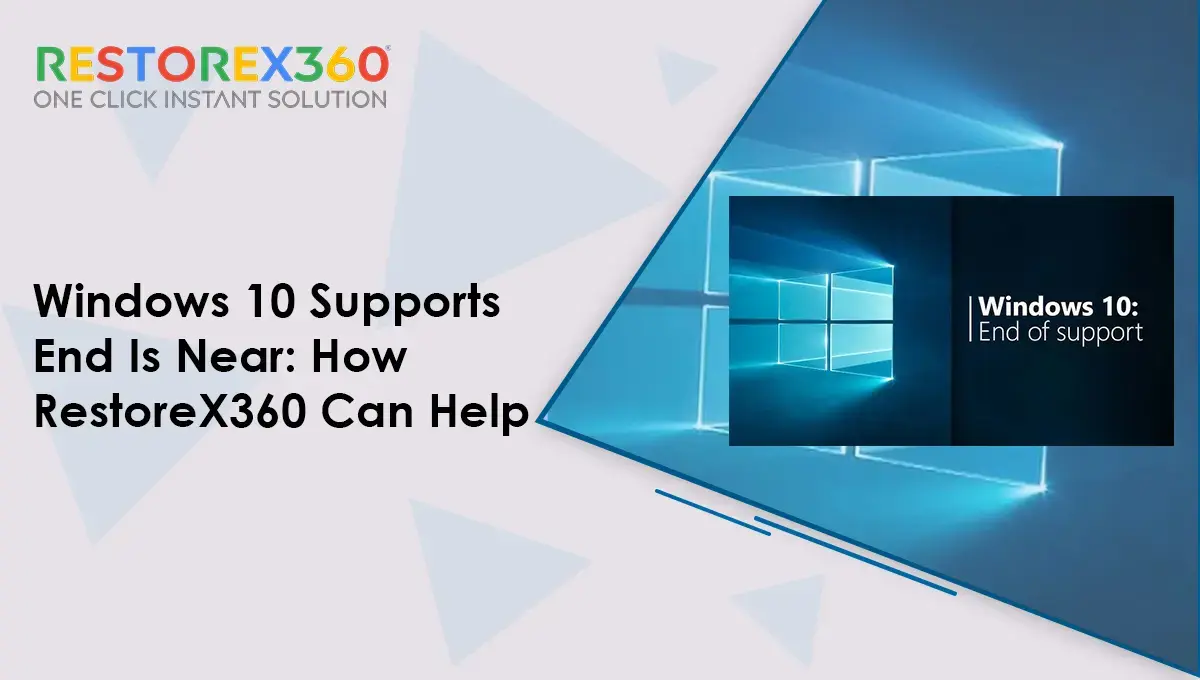
Microsoft has announced that it will end the security support and other updates for Windows 10. Soon, Windows 10 support will end. It will continue to work, but it will no longer get any support after October. It is advisable to either upgrade your current system to Windows 11 or buy a new one with Windows 11.
Upgrading or changing is okay. But what if you don’t want to switch to Windows 11? What if you forget to do it? As Windows 10 support ends near, you need a plan to guarantee the security of your system.
Before you lose everything, try RestoreX360, a Windows repair tool that will save you and your data from security threats. It will reduce panic, give total protection, and solve Windows errors. Let us know about what RestoreX360 is and how it will help Windows 10 users.
What is RestoreX360?
RestoreX360 is an essential tool for any Windows user. The Windows 10 support end is near, so it will be a great help. Its main feature is to restore data when it’s lost due to any accident, like a system crash.
As Microsoft withdraws updates for Windows 10, the platform is prone to malware attacks. None the less, its antivirus feature will reduce such threats. It will support users in two ways by fixing unwanted errors and providing security.
How is RestoreX360 a saviour when Windows 10 support is near?
Microsoft upgrades its operating system regularly to enhance performance and add new features. Windows updates reduce system crashes and slow down computers. Updates remove issues automatically and preserve the computer’s performance. What now, when you do not get any updates from Microsoft? Slow system, crashed software, no auto-fix for BSOD, and many more issues.
If you have RestoreX360, you don’t need to worry about why. It is an expert in fixing more than 10,000 Windows errors. These include BSOD, slow system, loading issues with files and folders. You name the problem, and it will quickly fix all of them.
You know it can solve issues, but how many problems will it solve? Let us find out.
Why is RestoreX360 a better solution when you do not get support from Microsoft?
RestoreX360 is an all-in-one software that will be your error solver. Here is the list of different problems that it will solve when Windows 10 support ends and is near.
- Blue Screen of Death: One of the major problems that terrifies any Windows user is when the screen turns blue. There are multiple reasons for this to happen, but solutions are limited and time-consuming. RestoreX360 detects the problem. It can be with any file, folder, or entire software. RestoreX360 resolves it to prevent this error.
- Reverse system crash within seconds: Hardware failure. Software conflicts, operating system fails to load, overheating, corrupt file or folder, and the list goes on. The windows shut completely, and there is no way your system will turn on. You tried every method, but nothing helps, but RestoreX360 will? It has its own mini operating system that works independently from Windows. It will scan, find, and reverse the cause of crashes.
- Keep System Performance: Windows updates its cleaning feature regularly to keep system health. With no updates and support, this will no longer be available. This will pile up junk and slow down. When Windows 10 support ends, RestoreX360 can clean the junk. It removes unnecessary files to uphold system health. It also optimizes the computer for better performance.
- Solve boot problems: Incompatible or outdated drivers and BIOS can disrupt a system booting process. Usually, with support from Microsoft, the issue disappears. When Windows 10 support ends, it will become a problem to detect and solve. RestoreX360 can check drivers and remove the issue from them to guarantee smooth working.
- Data Recovery: The most important thing we want to save is our data. You accidentally lose it, and there is no backup. What will you do? Don’t take stress. RestoreX360 solves this, too. Its snapshot feature will help. Snapshots are like data saved in the form of an image. This snapshot will help you to reverse the setup state in case your system crashes or data loss occurs.
- Stop Windows Update: RestoreX360 has a feature that blocks Windows updates and upgrades permanently. Once it stops updating, it will reduce the risks of a security breach or damage.
Security Maintenance by RestoreX360 when Windows 10 support ends are near?
An outdated operating system is the best prey for attackers to steal data or financial information. A weaker security system and unfixed bugs create loopholes that give them quick access to your system. You can use RestoreX360 to safeguard your system. It is antivirus software that protects computers from viruses, Trojans, ransomware, and other malware.
It will not only remove malware but also try to avoid any incident that causes a total system shutdown. Its protection against suspicious websites, links, or emails can help you secure your data when Windows 10 support ends. You need the best ways to keep your system working and your data protected.
Ransomware attacks destroy businesses, as they cost them a lot of capital and disrupt work until they resolve the issue. RestoreX360 prevents such attacks in advance by scanning and keeping track of every activity on the platform. If it finds any unusual activity, it quickly takes action. It blocks the website or removes the files from the platform. These actions help reduce the damage and protect the network.
RestoreX360 is your system’s protector and works 24/7 to secure confidential information.
Read Also: How to Fix Slow SSD on Windows 11/10
Conclusion
The end of Windows 10 support is near. This means Windows 10 users are prone to crashes. They will also face system-related errors often. They need to be ready to make some changes. Using software like RestoreX360 can reduce the hassle. Alternatively, they can shift to Windows 11 with a new PC.
Shifting can be costly or tedious. You need to work with a new operating system. It has different features that can be uncomfortable. But, RestoreX360 will take care of all your problems, and you can use Windows 10 without any stress or errors. Embrace RestoreX360-Windows repair tool and an antivirus software to work without interruption with Windows 10.
RestoreX360 Description
RestoreX360 is an advanced Windows repair and system recovery solution designed to keep PCs secure, stable, and optimized from day one.
It helps users:
Detect and fix Windows system errors
Repair corrupted files and registry issues
Improve PC performance and stability
Create safe restore points and rollback snapshots
Protect systems from crashes and unexpected failures
RestoreX360 is built for:
Home users
IT professionals
Corporates and Manufacturing
Service centres
Enterprise environments
With intelligent repair technology and user-friendly controls, RestoreX360 ensures your system stays reliable, efficient, and secure whether you are troubleshooting issues or maintaining long-term system health.
RestoreX360 does NOT collect, store, transmit, monitor, or share any user data. All system snapshots and restore points remain securely stored on the user’s local machine and are fully controlled by the user.